1 The dark scheme
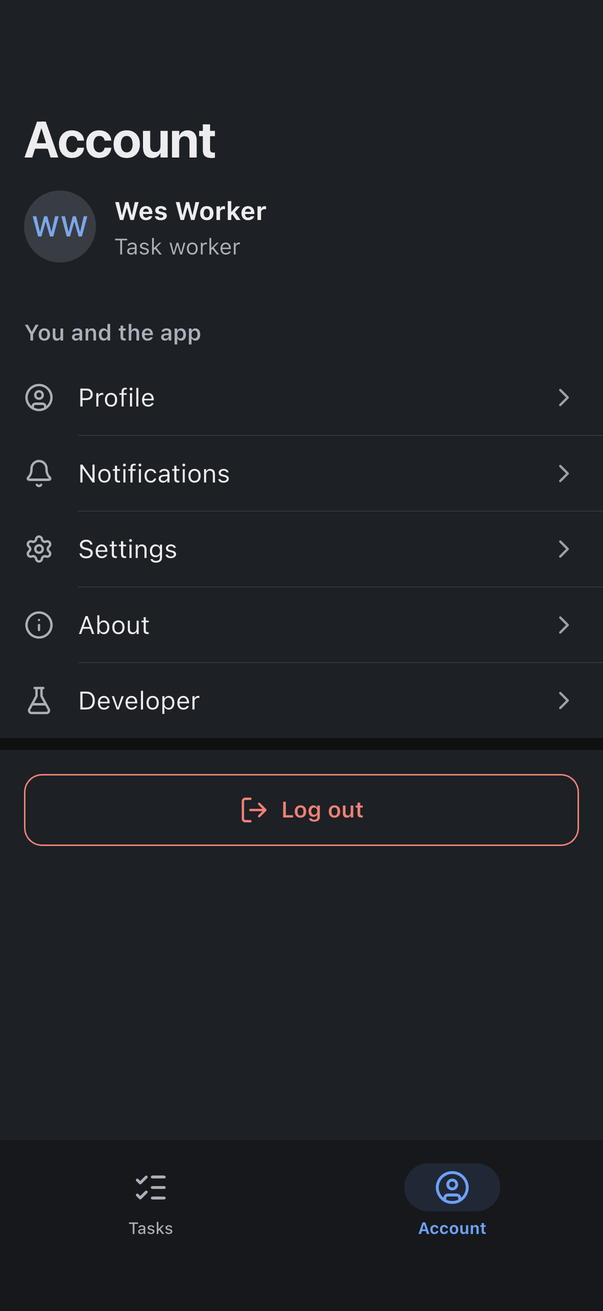
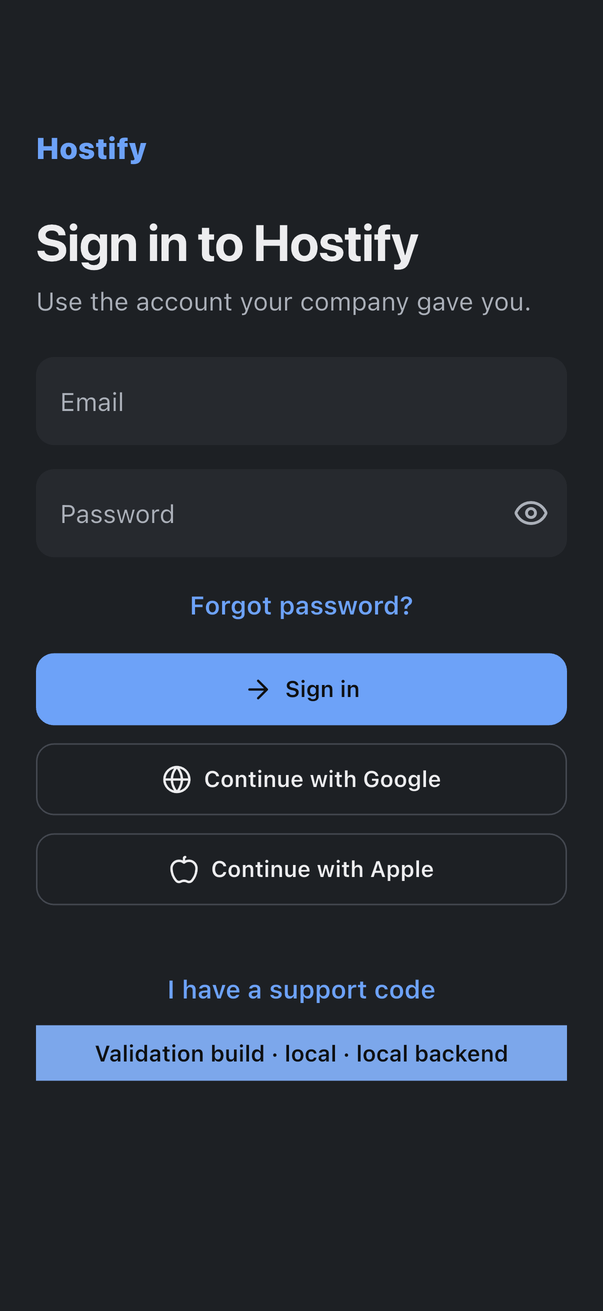
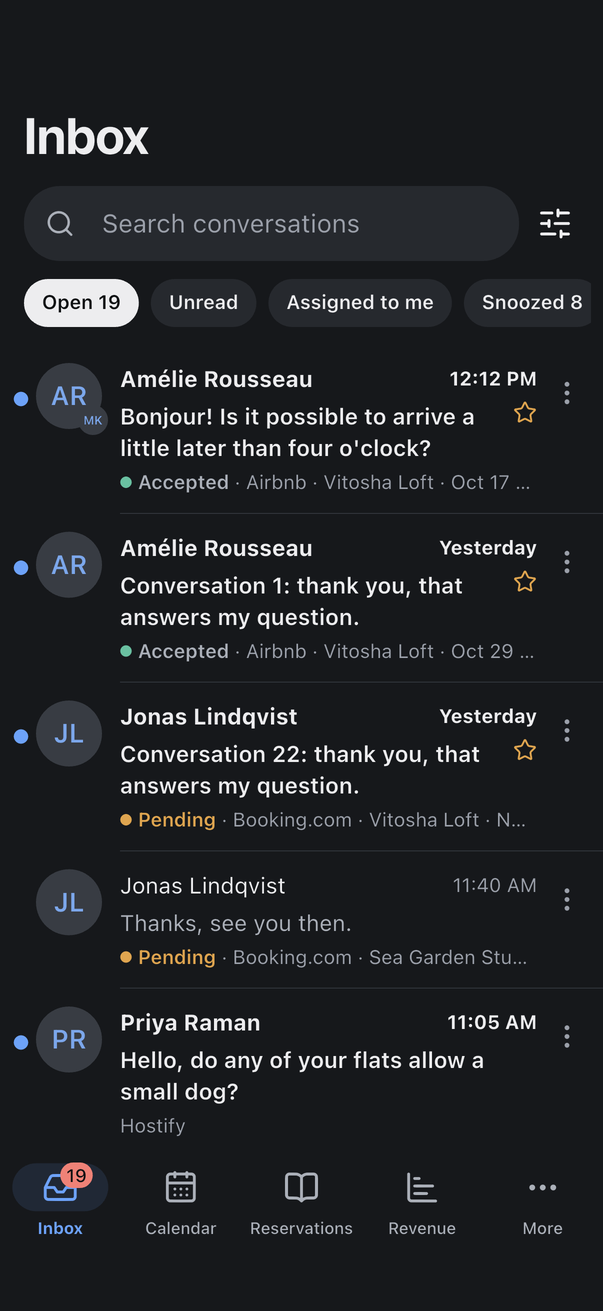
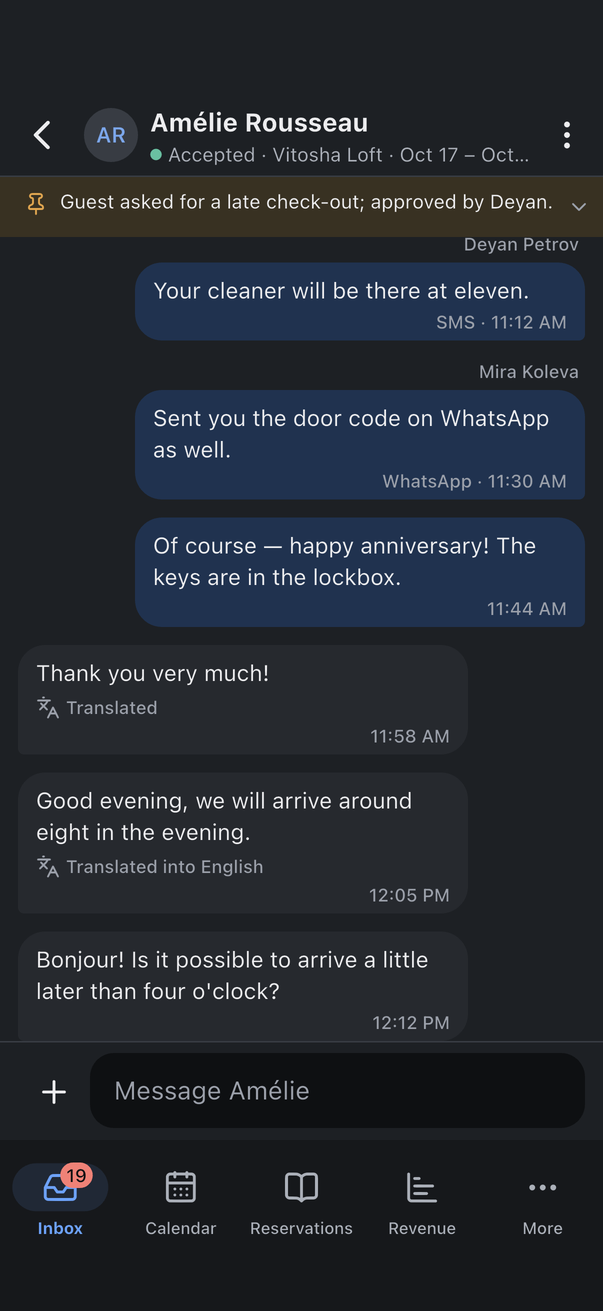
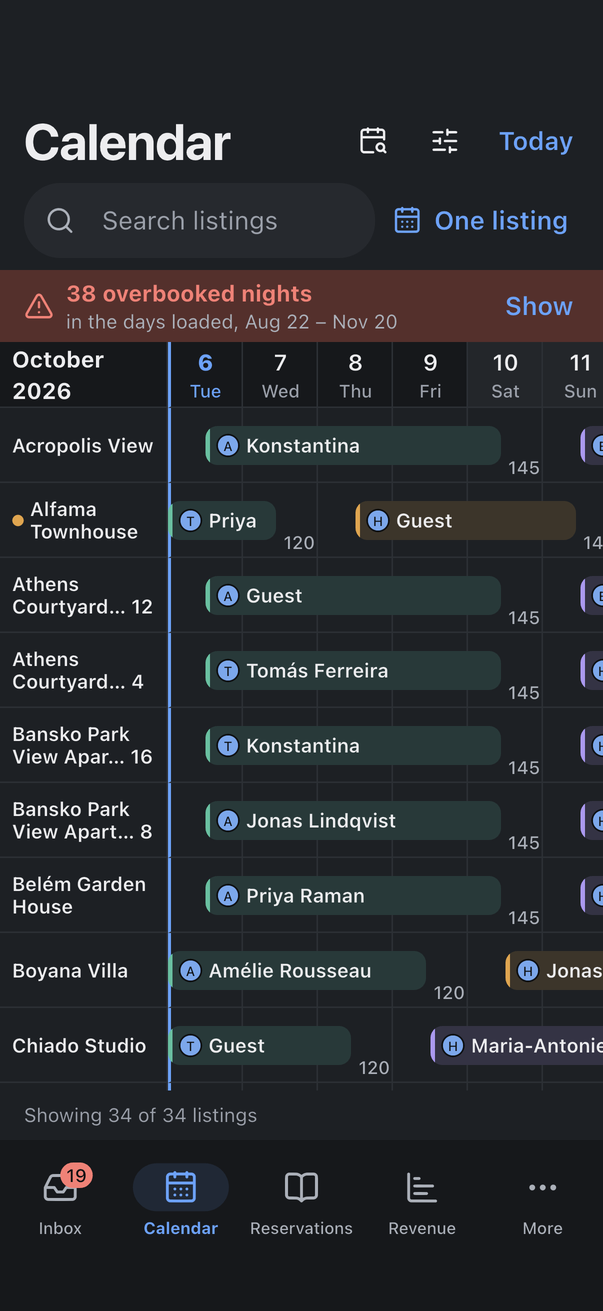
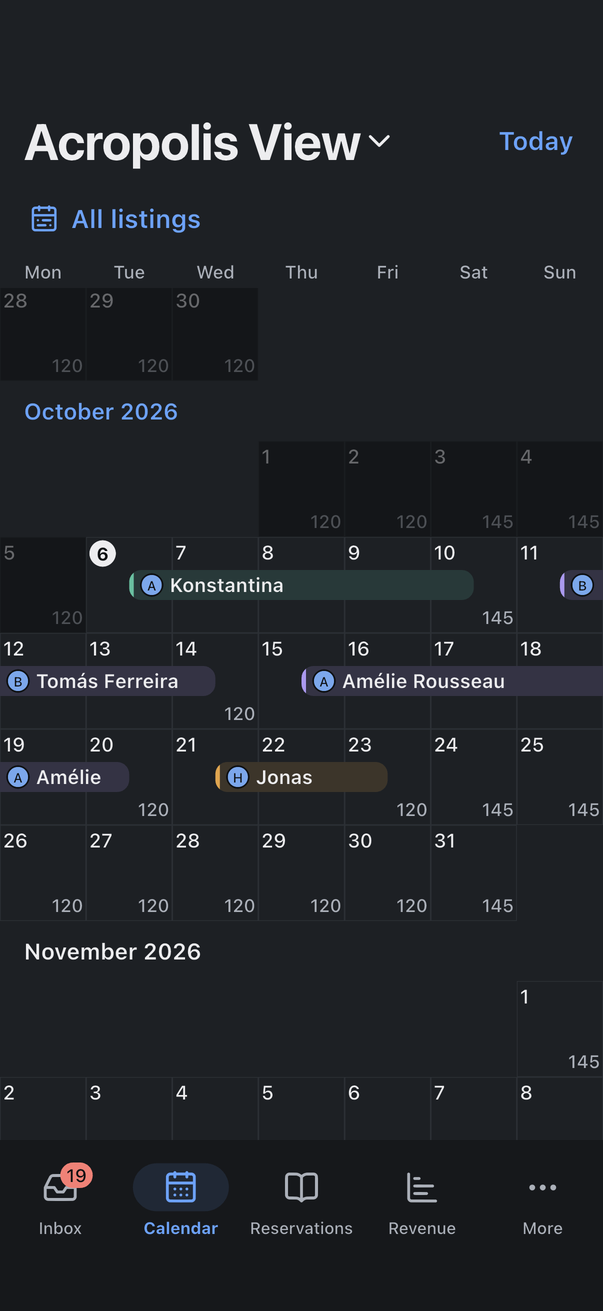
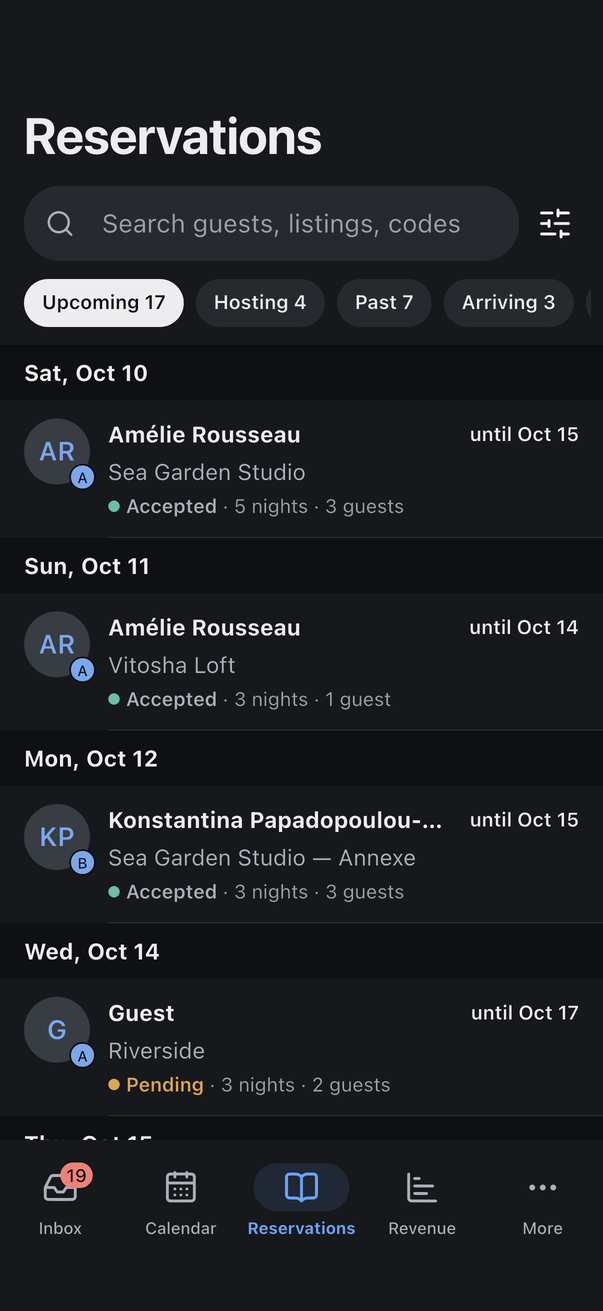
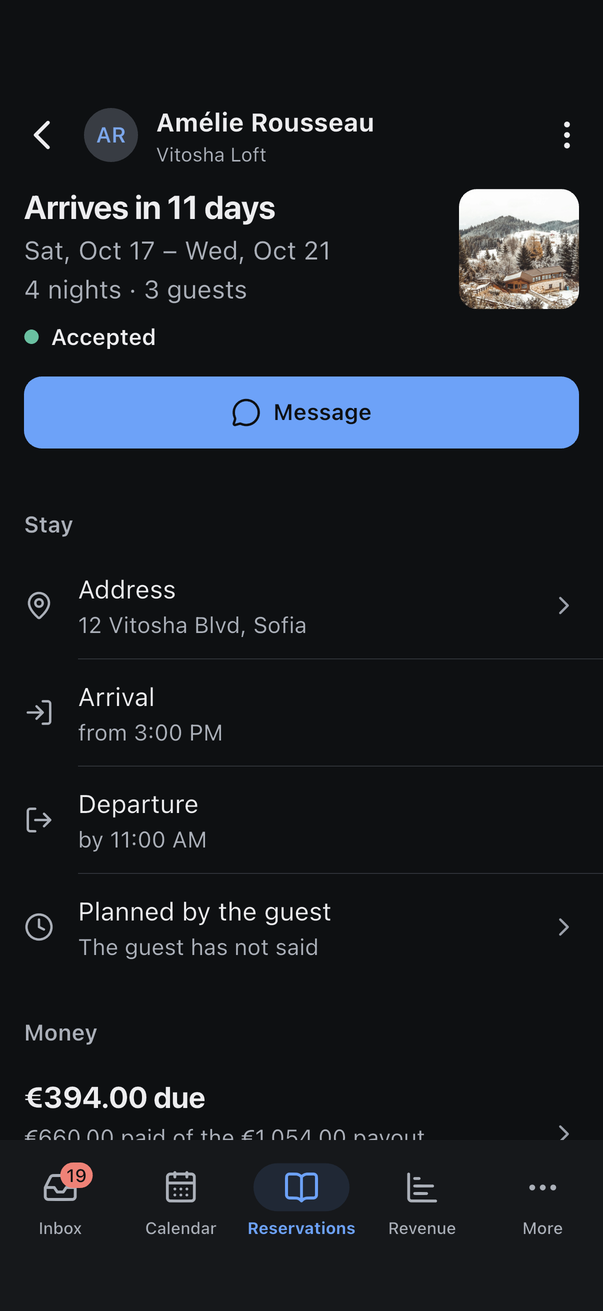
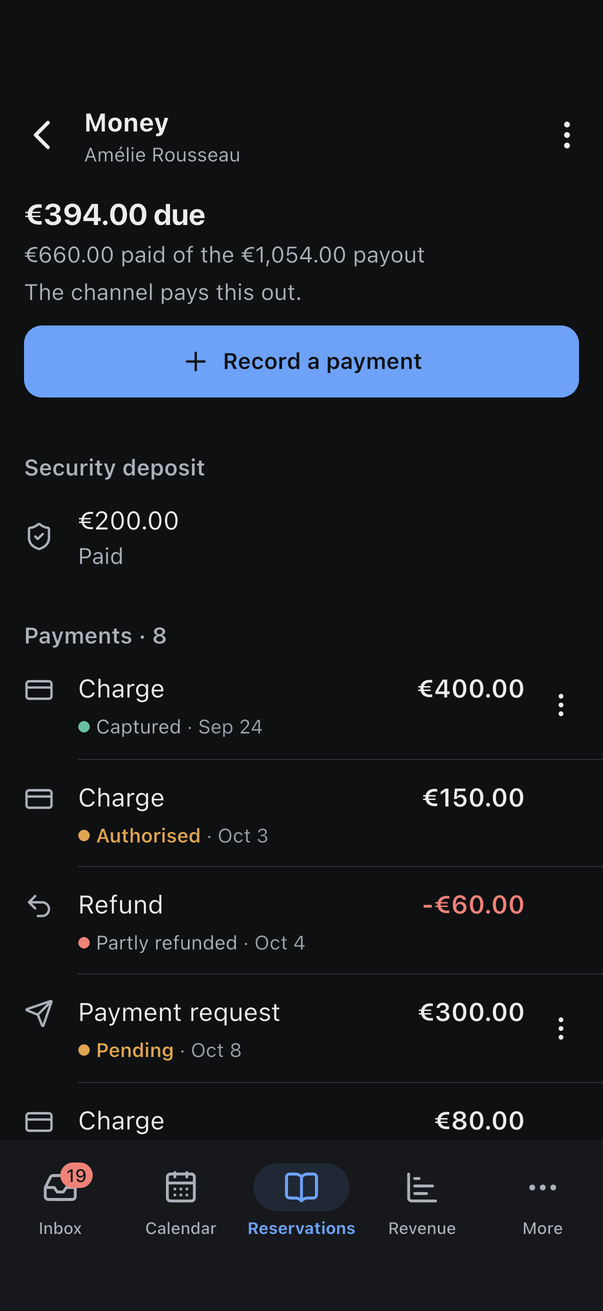
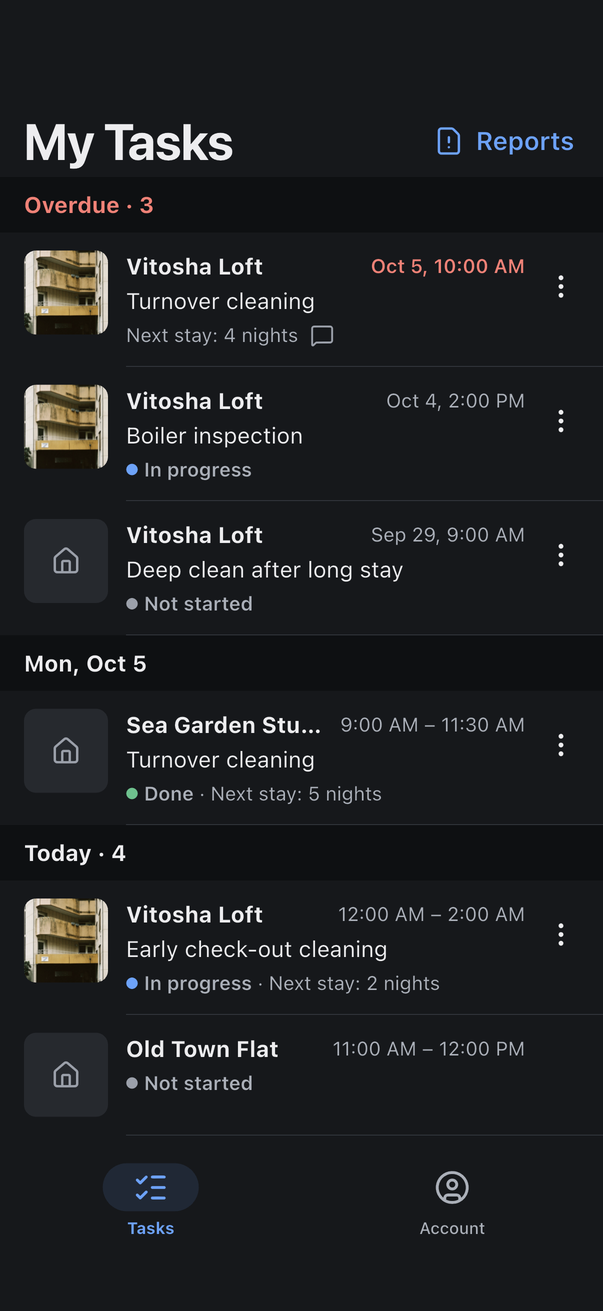
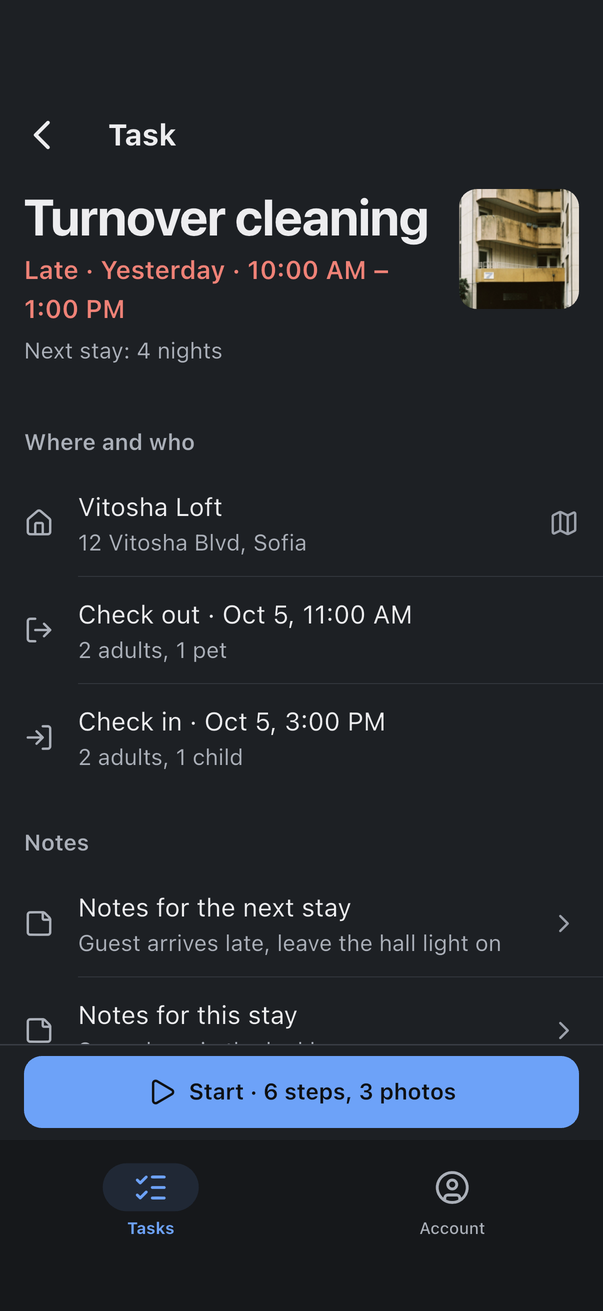
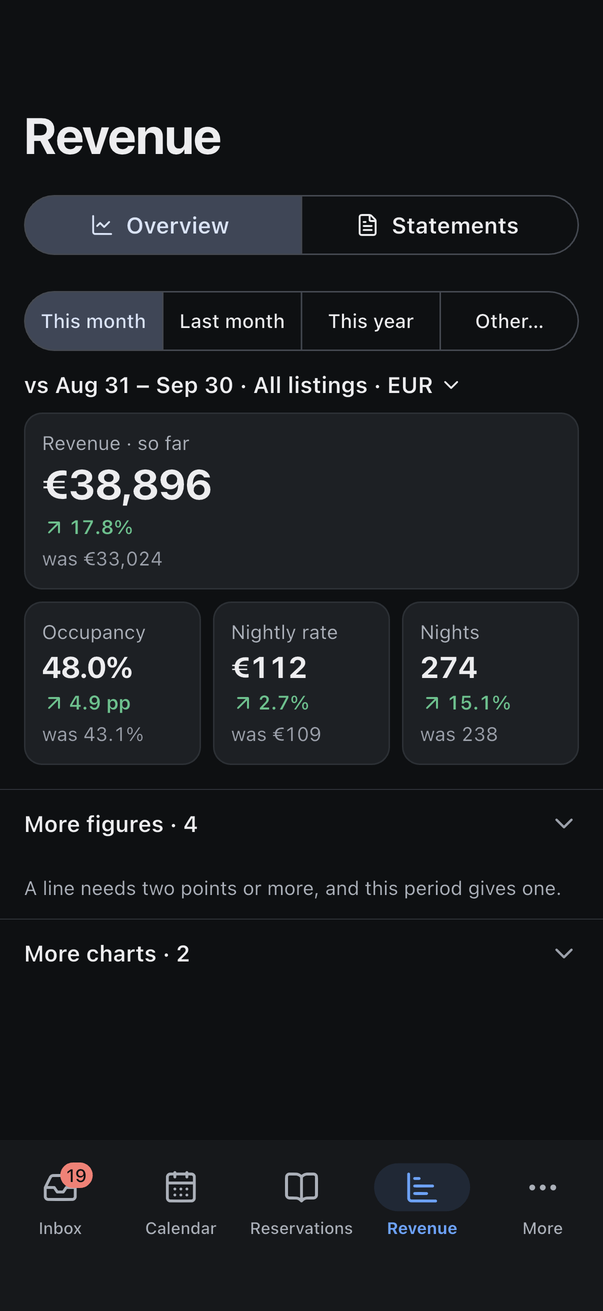
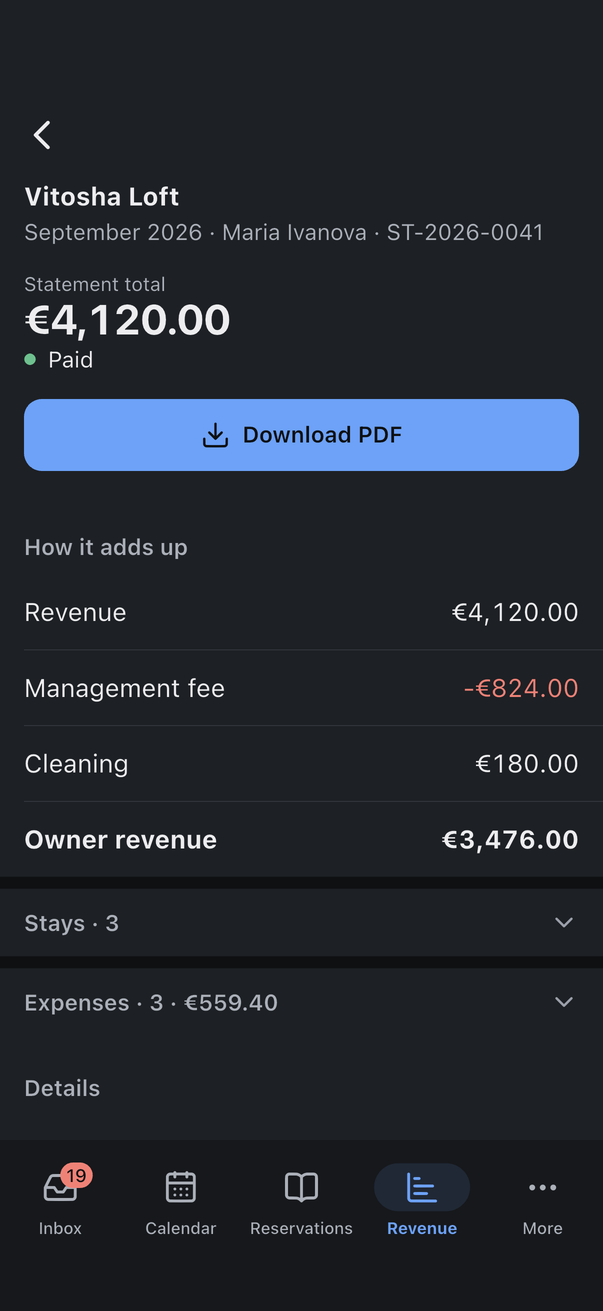
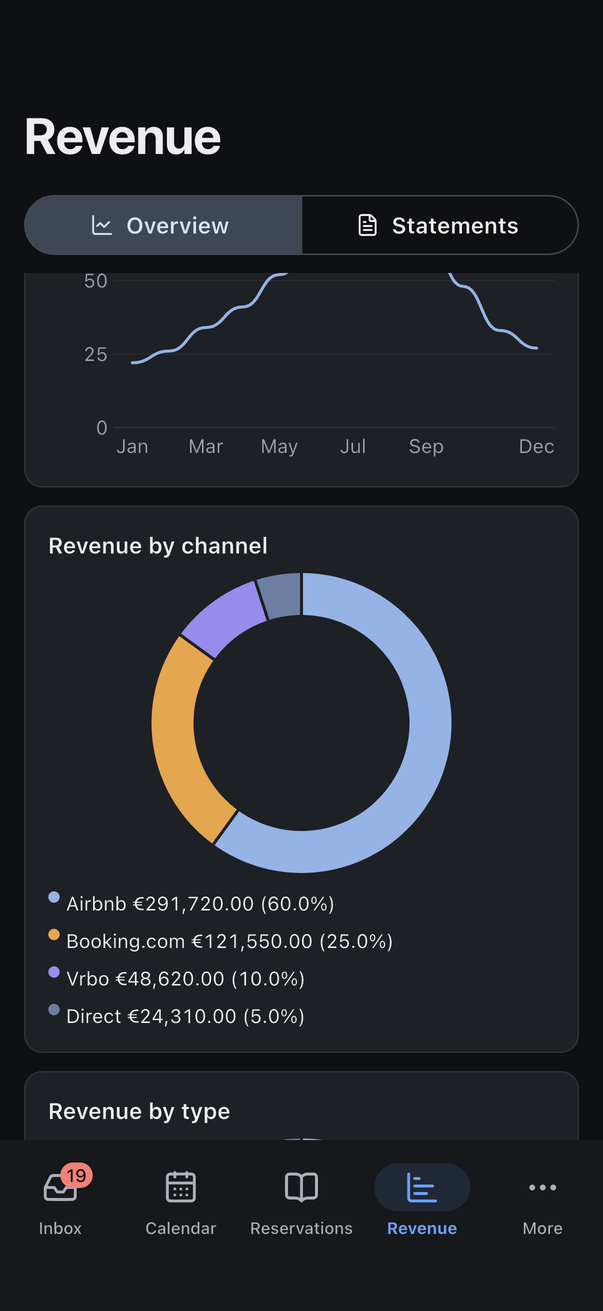
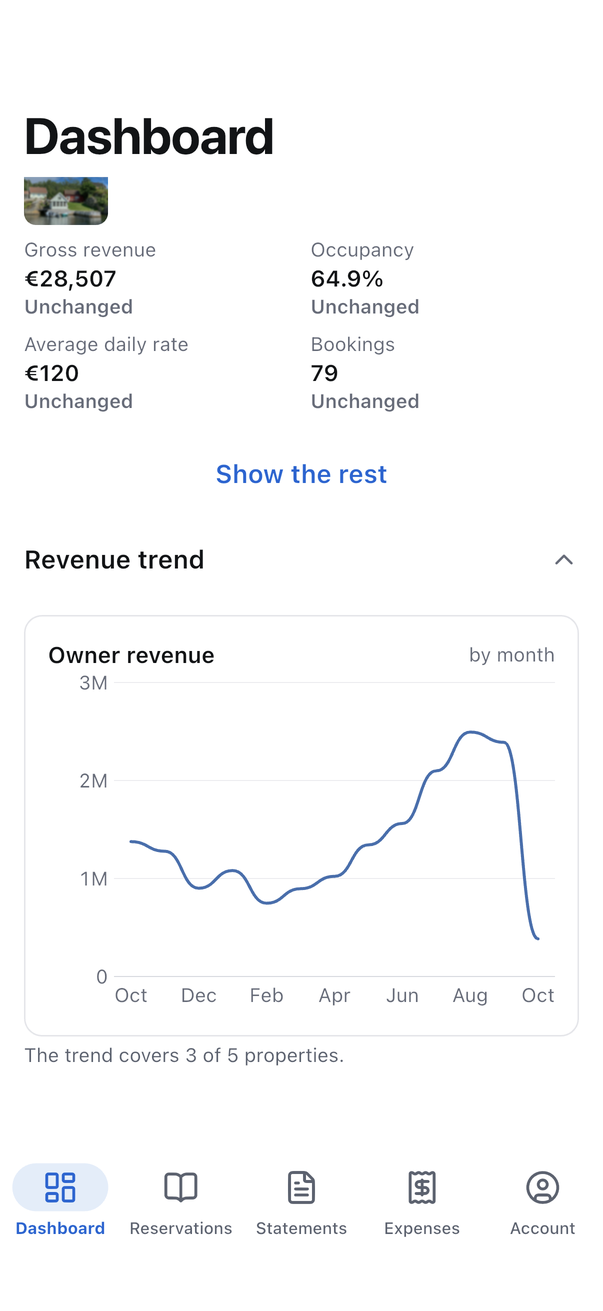
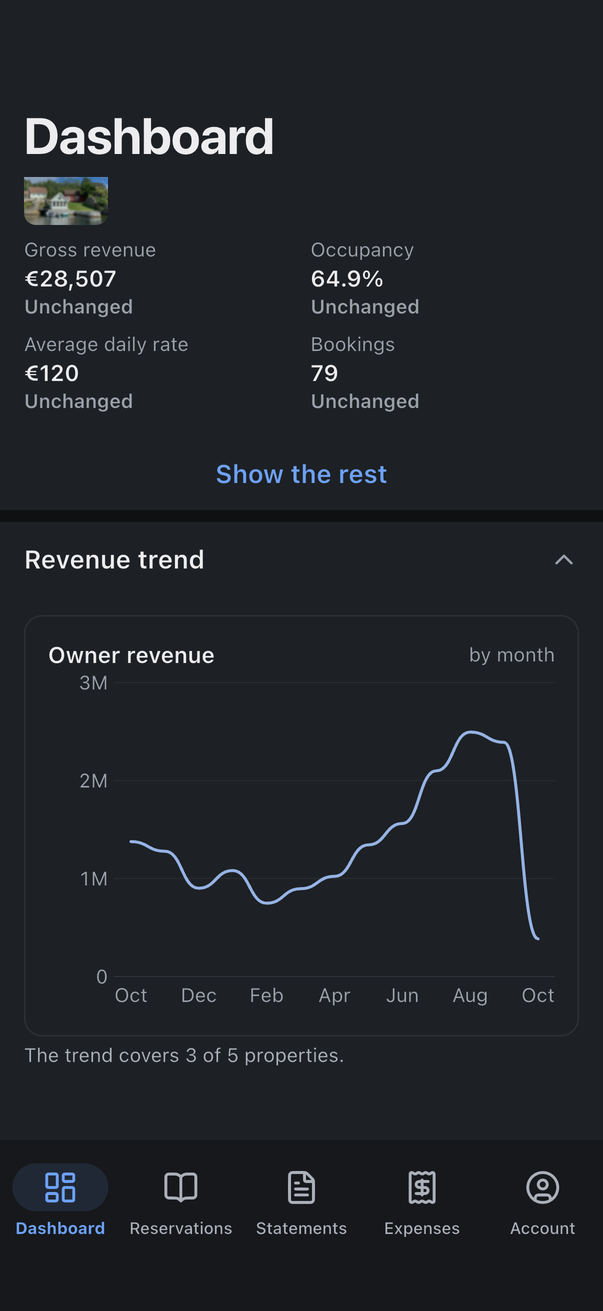
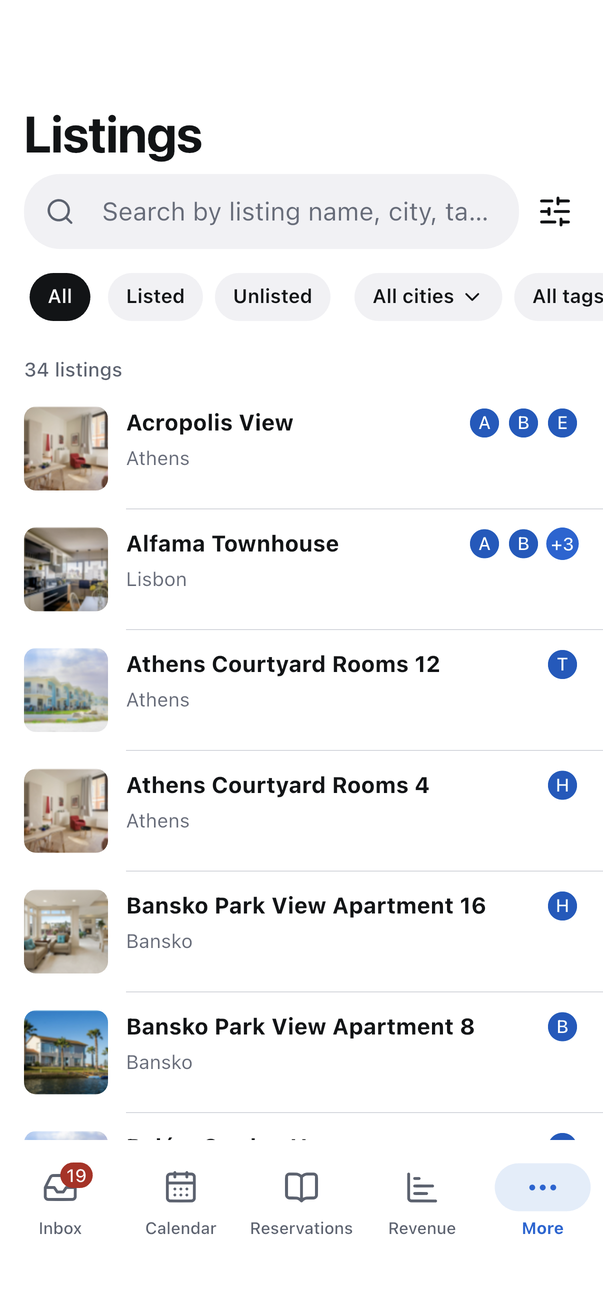
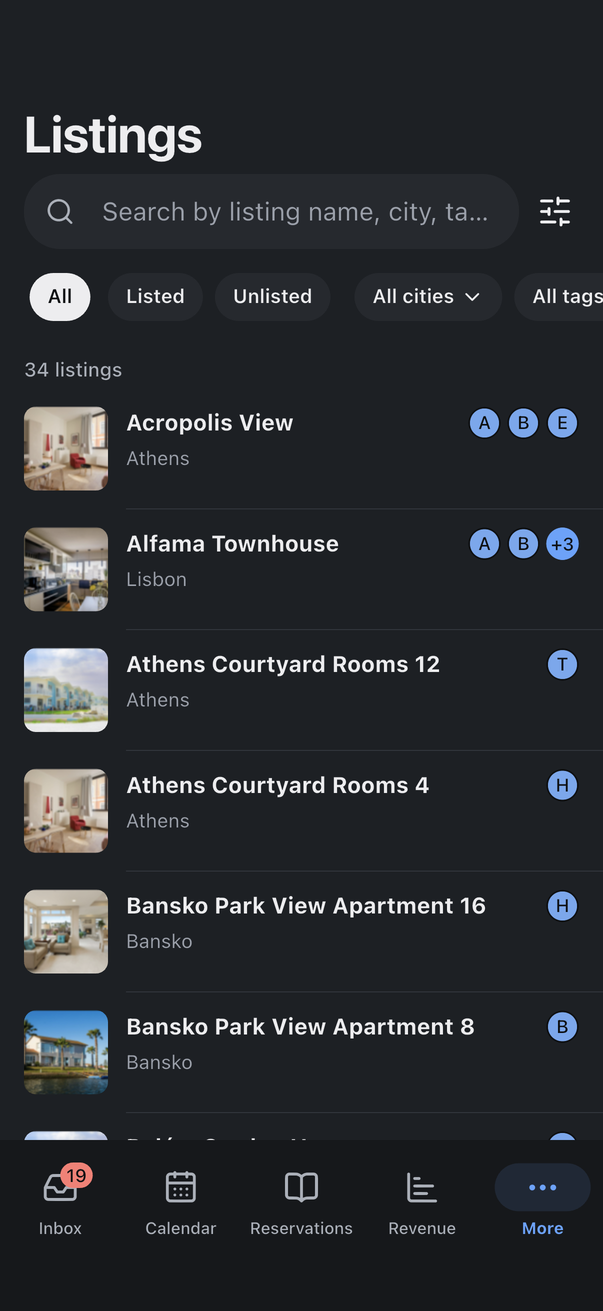
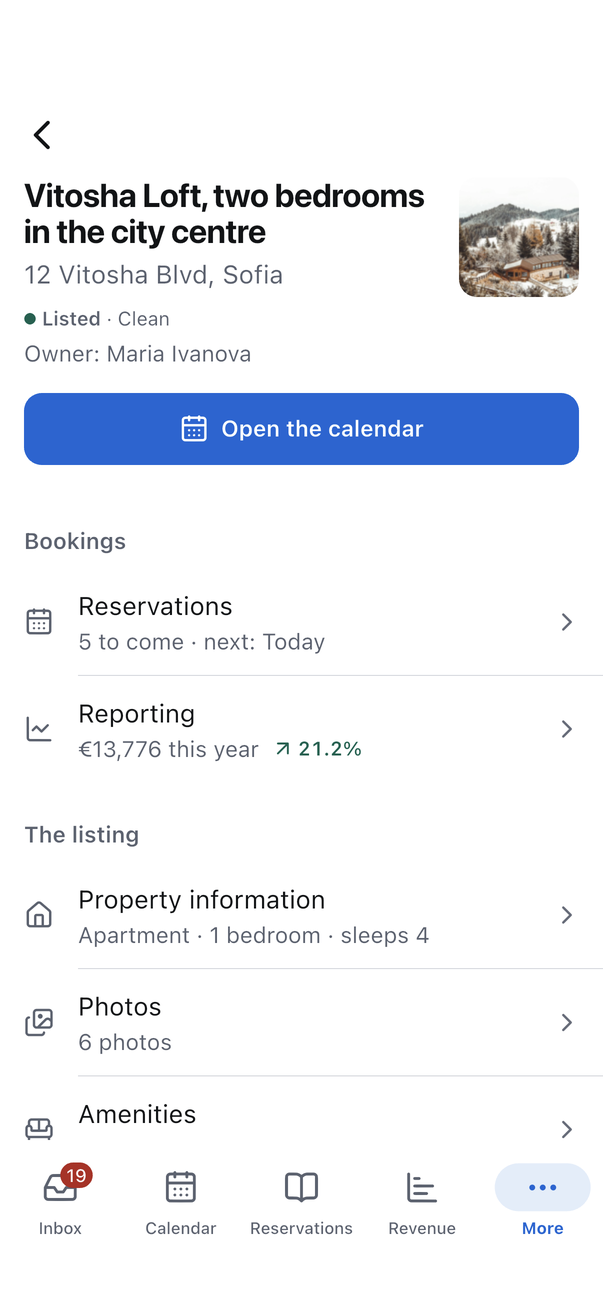
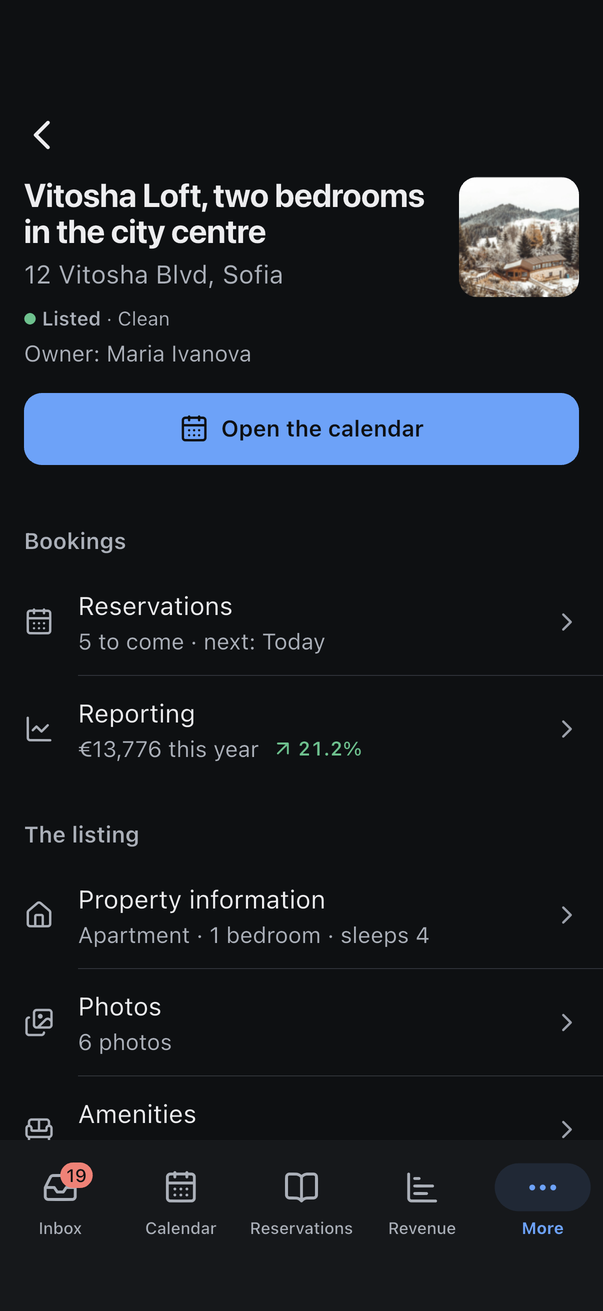
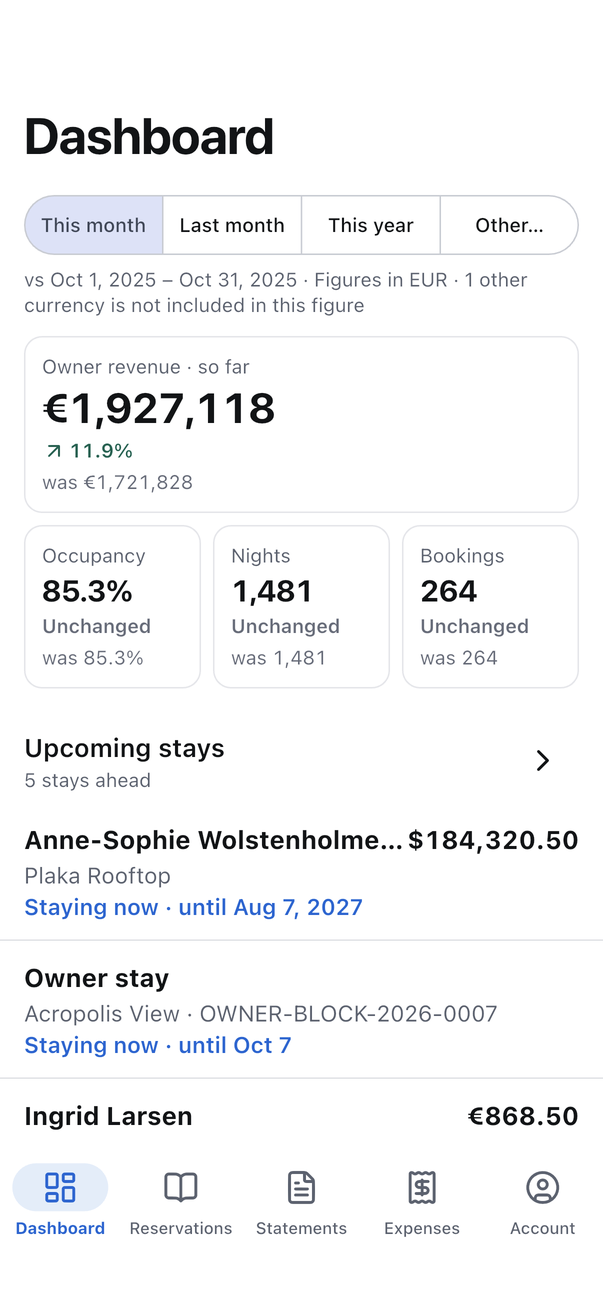
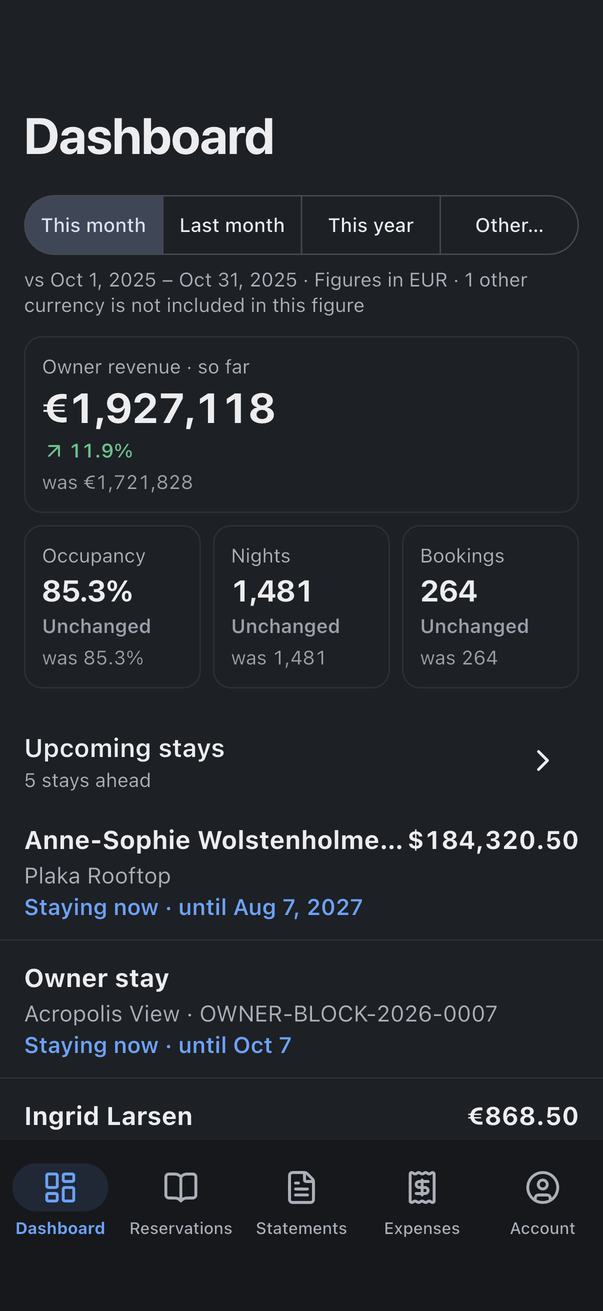
Hostify follows the phone's appearance. When the phone is set to dark, the app turns dark too; it has no separate setting for it.
Every colour on these screens comes from a design token that holds a light value and a dark value. Changing the look means changing a token, and both schemes pick up the change. Status colours and the red and green of money mean the same thing in both.
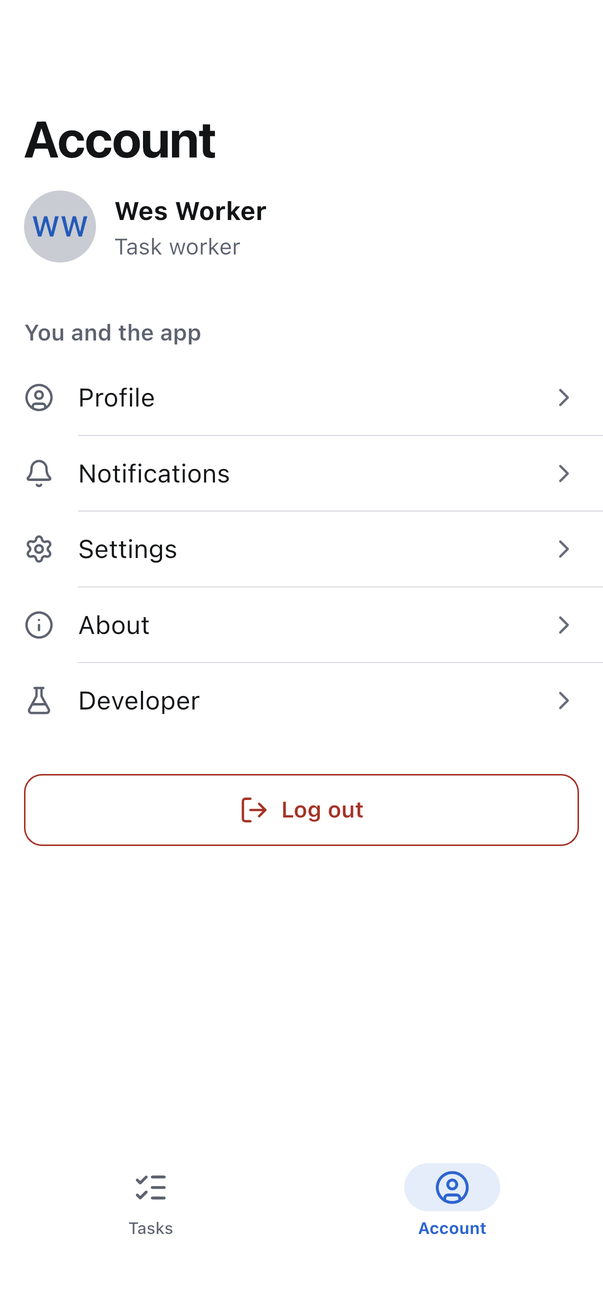
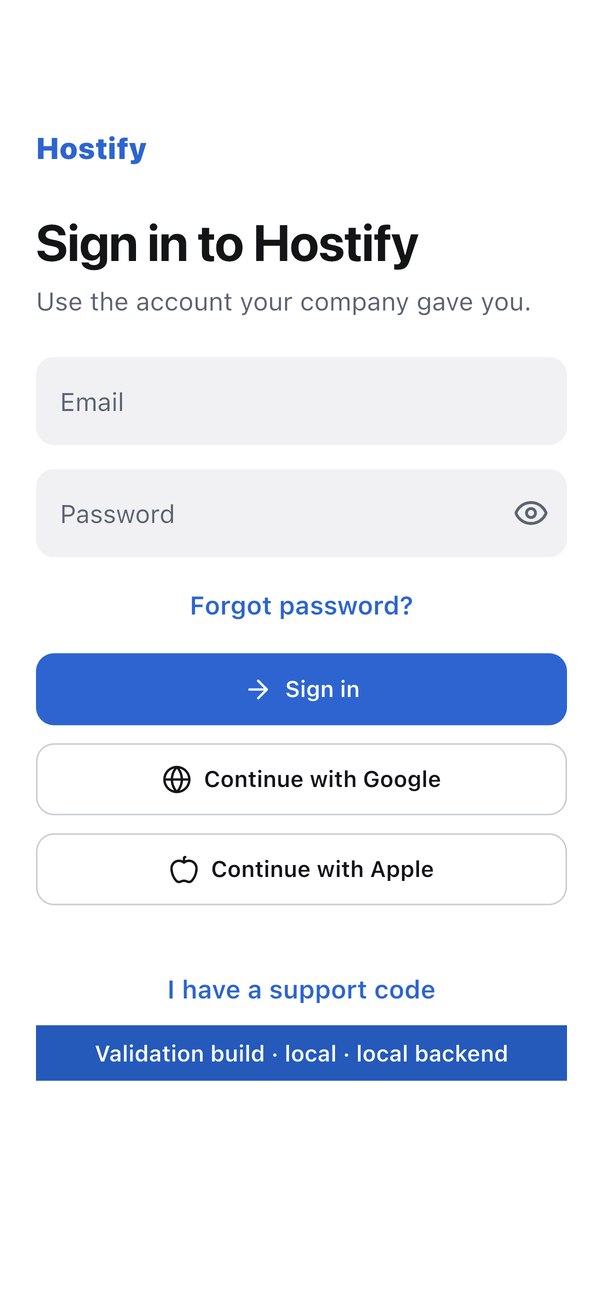
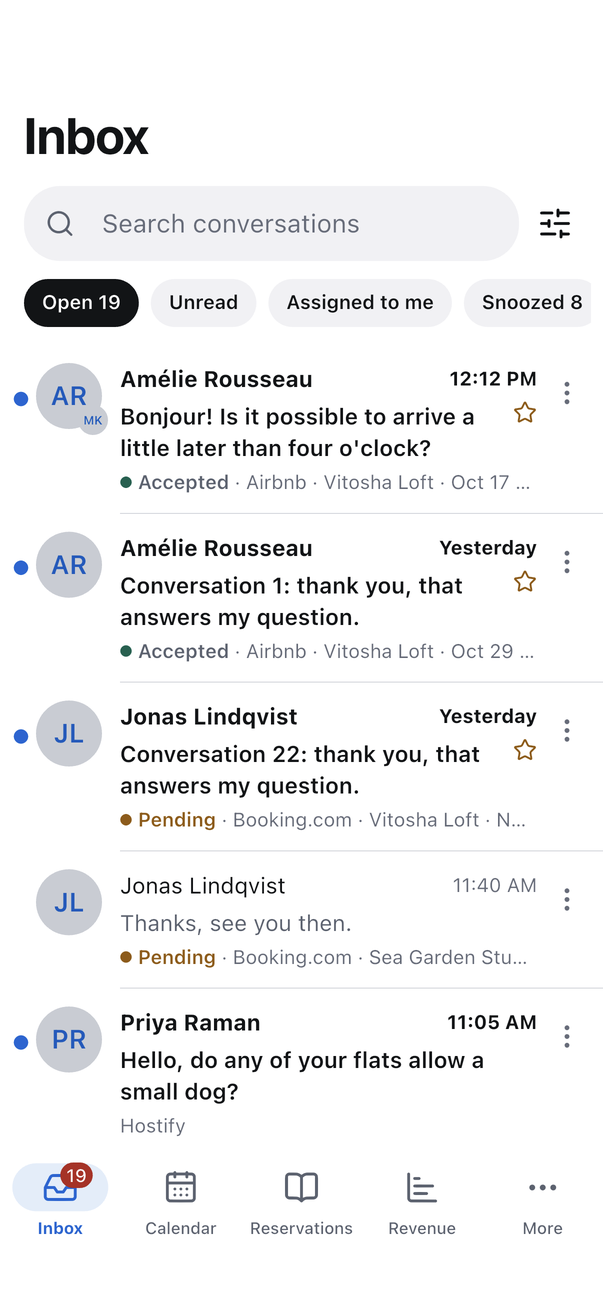
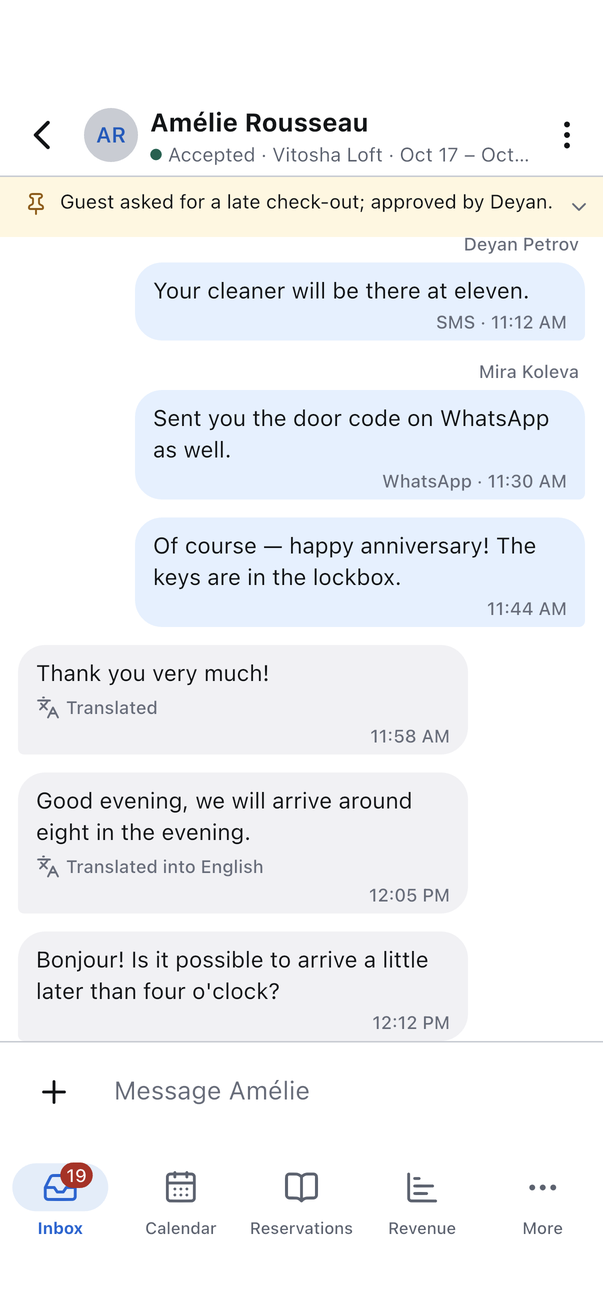
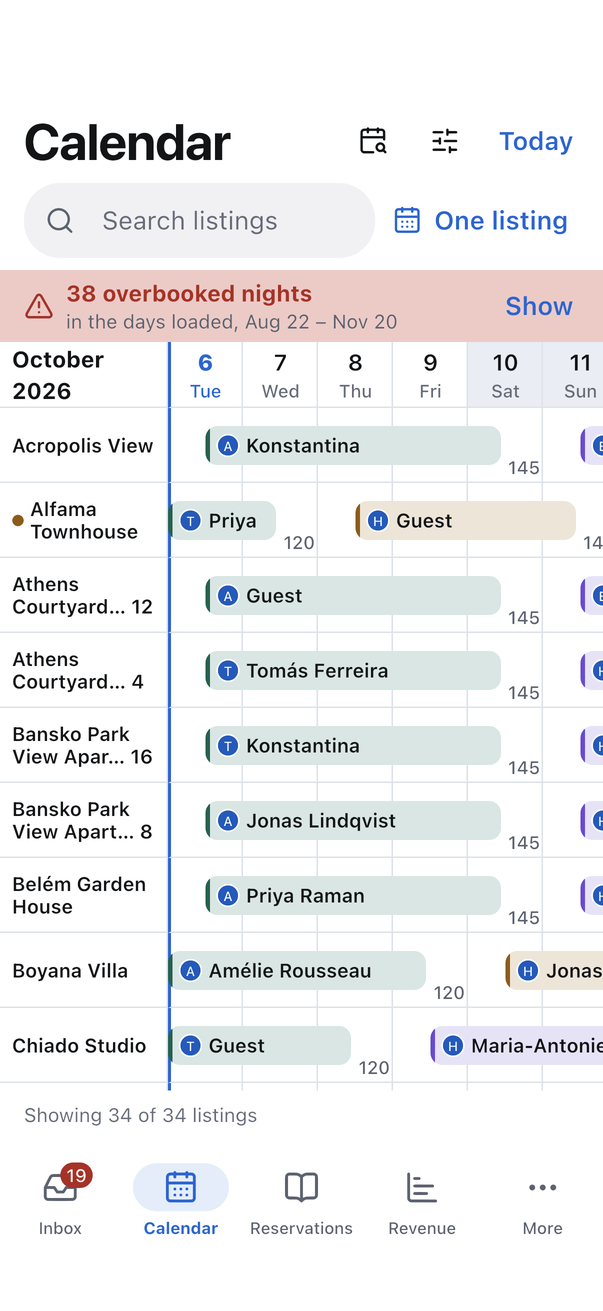
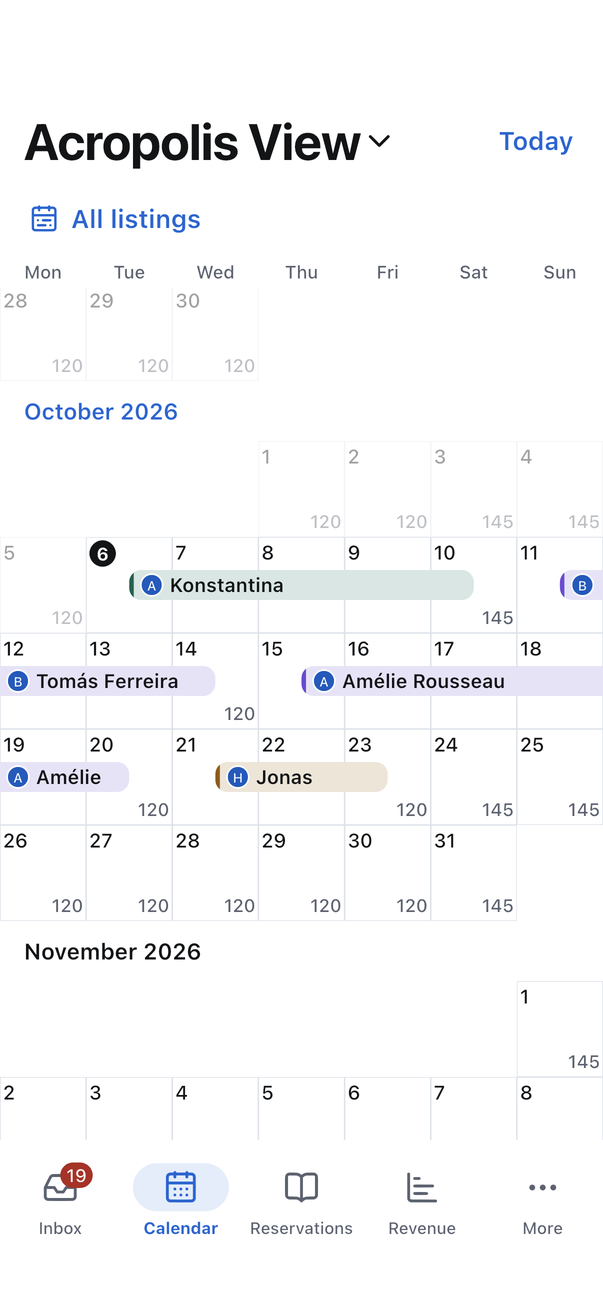
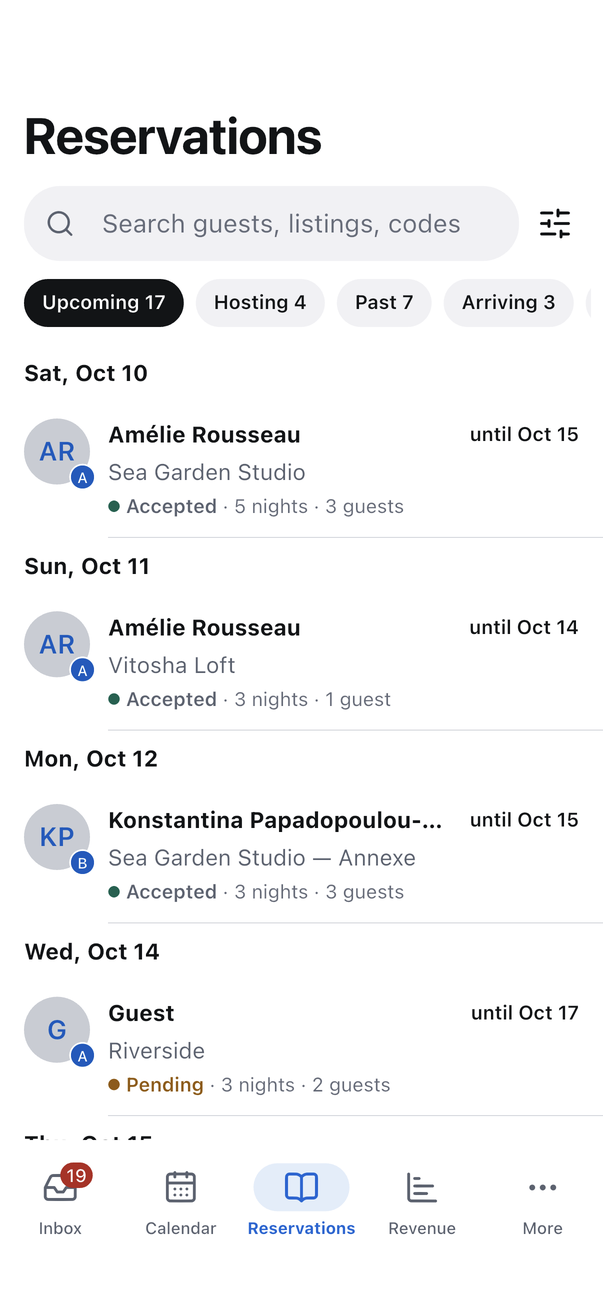
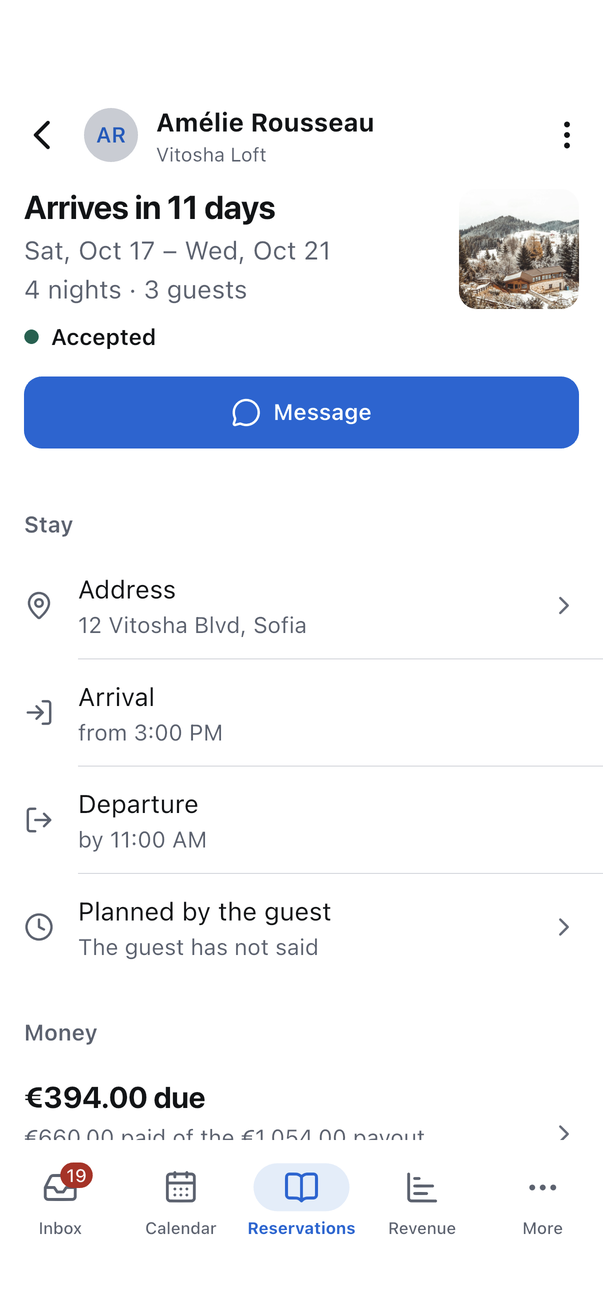
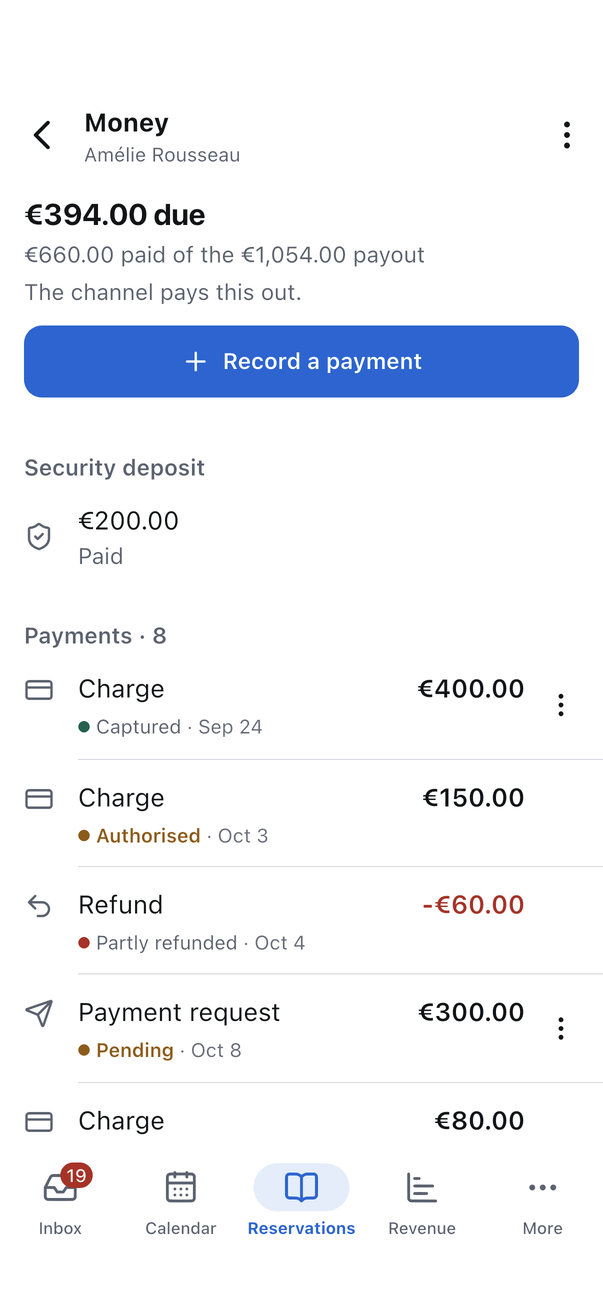
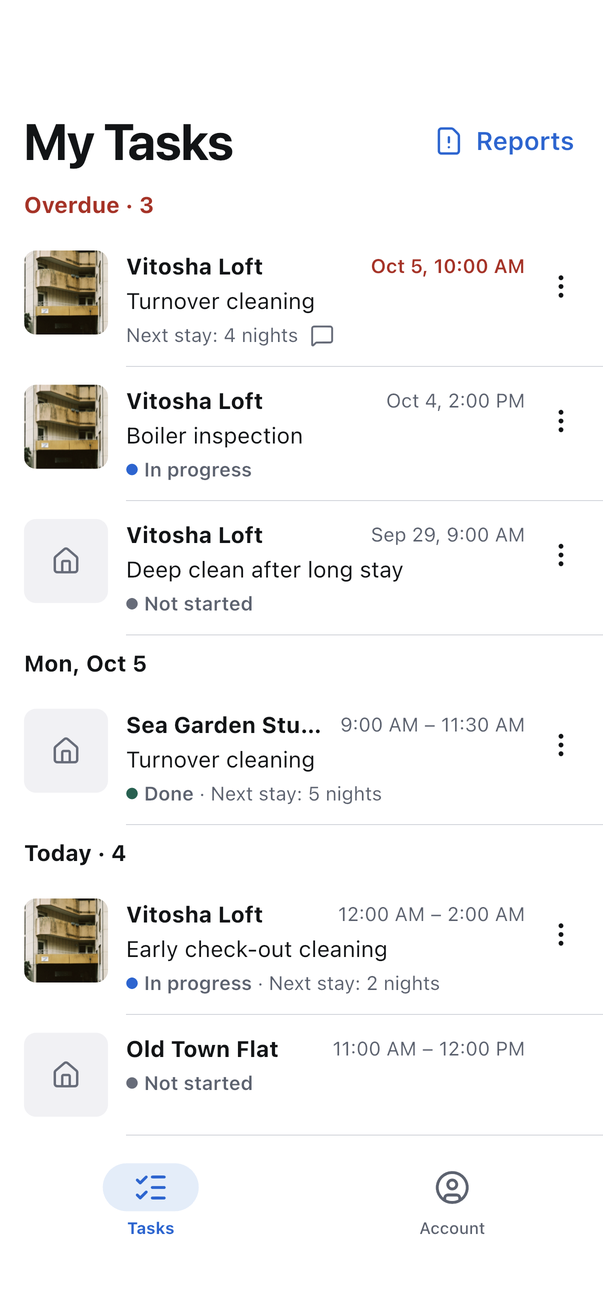
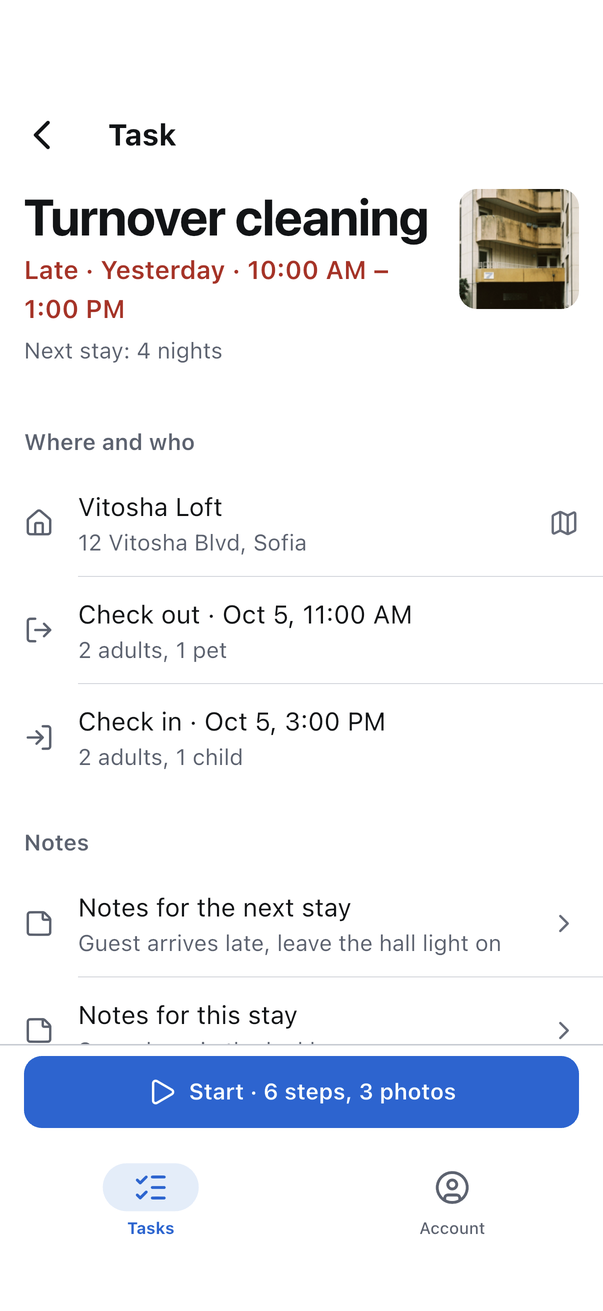
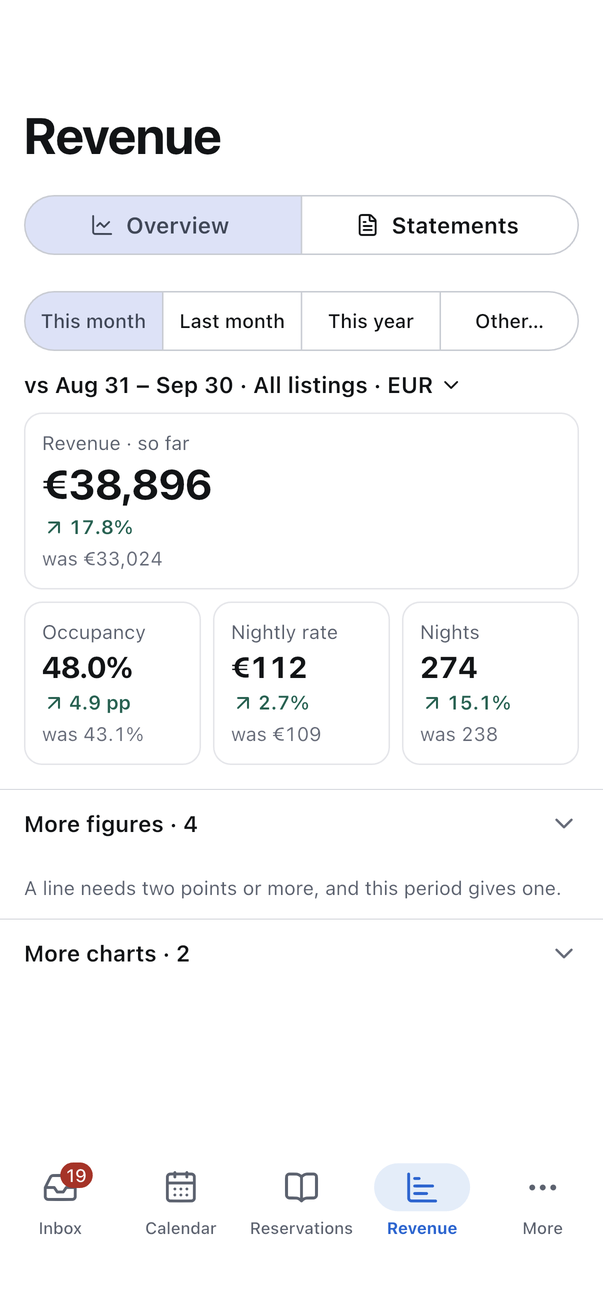
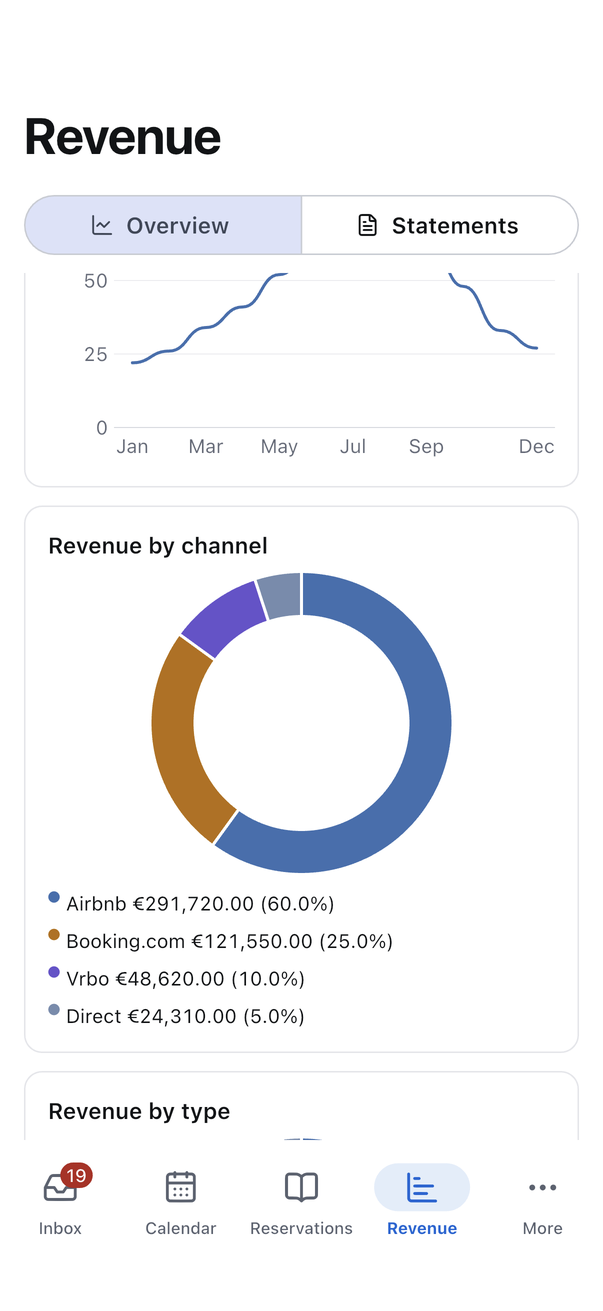
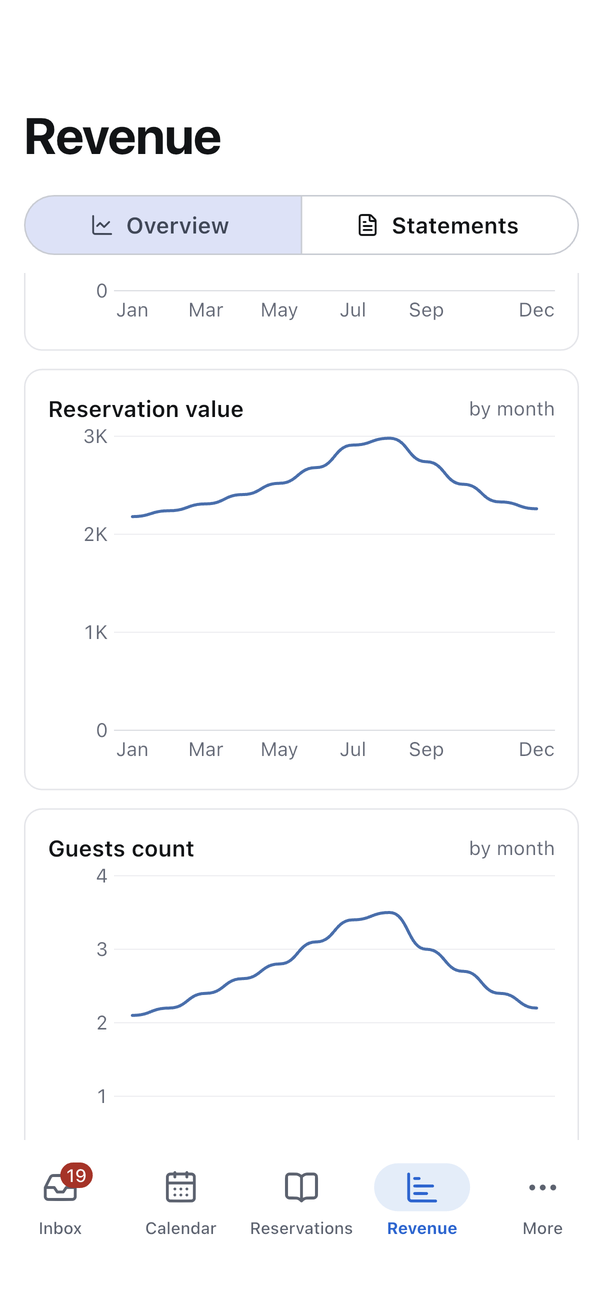
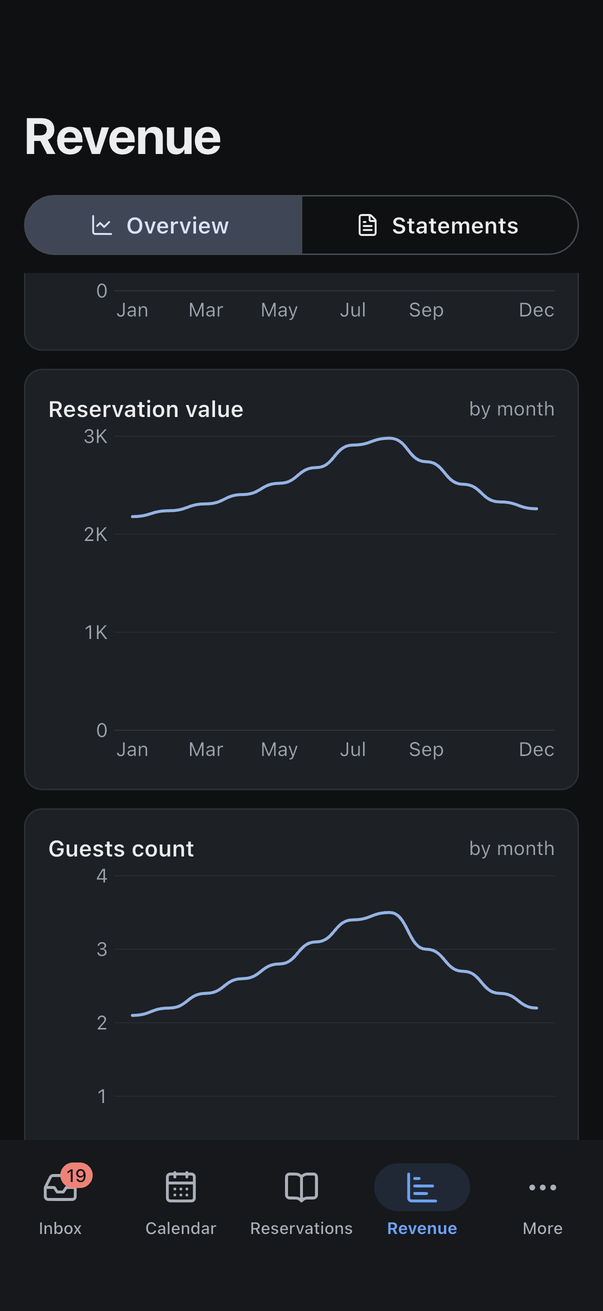
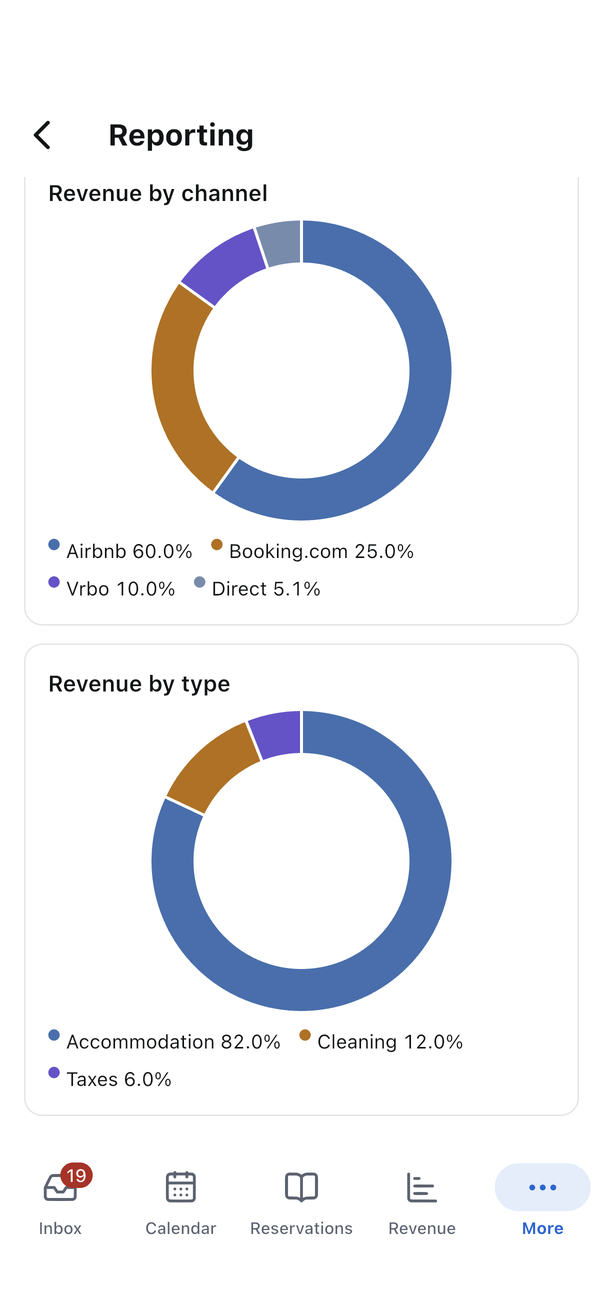
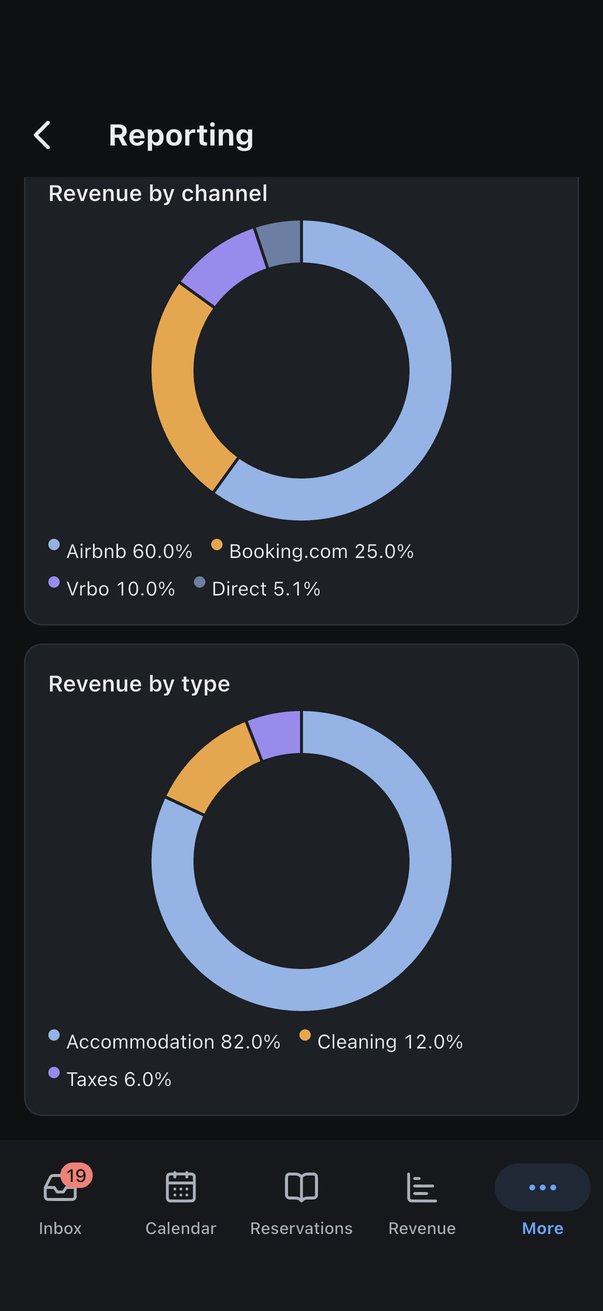
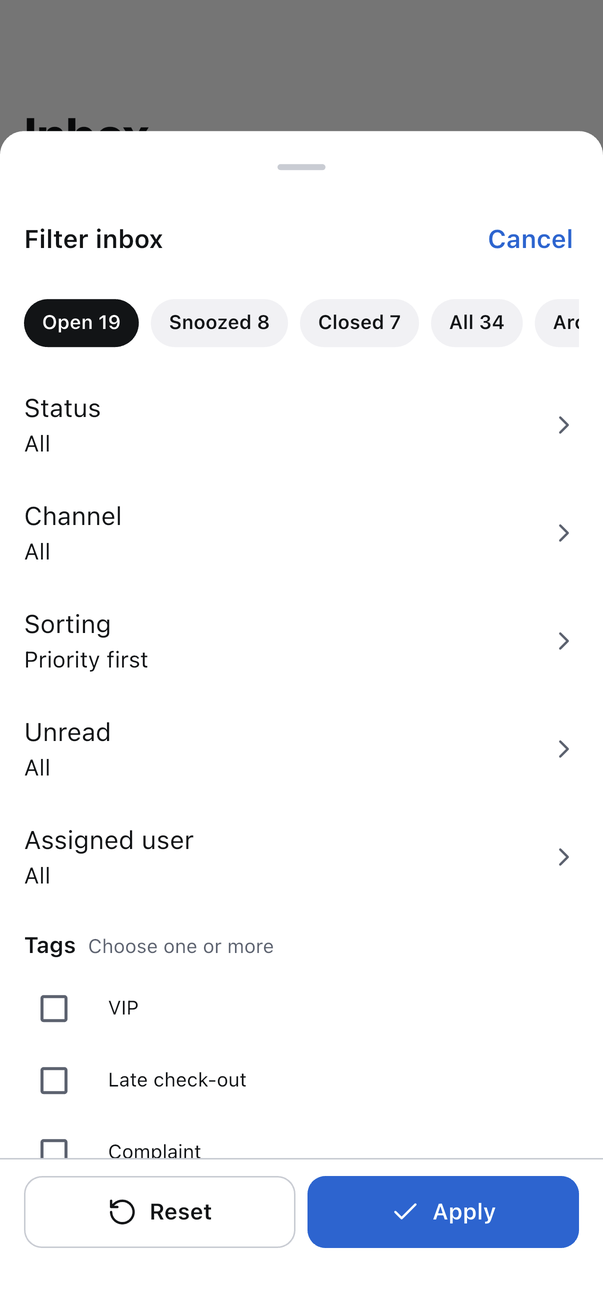
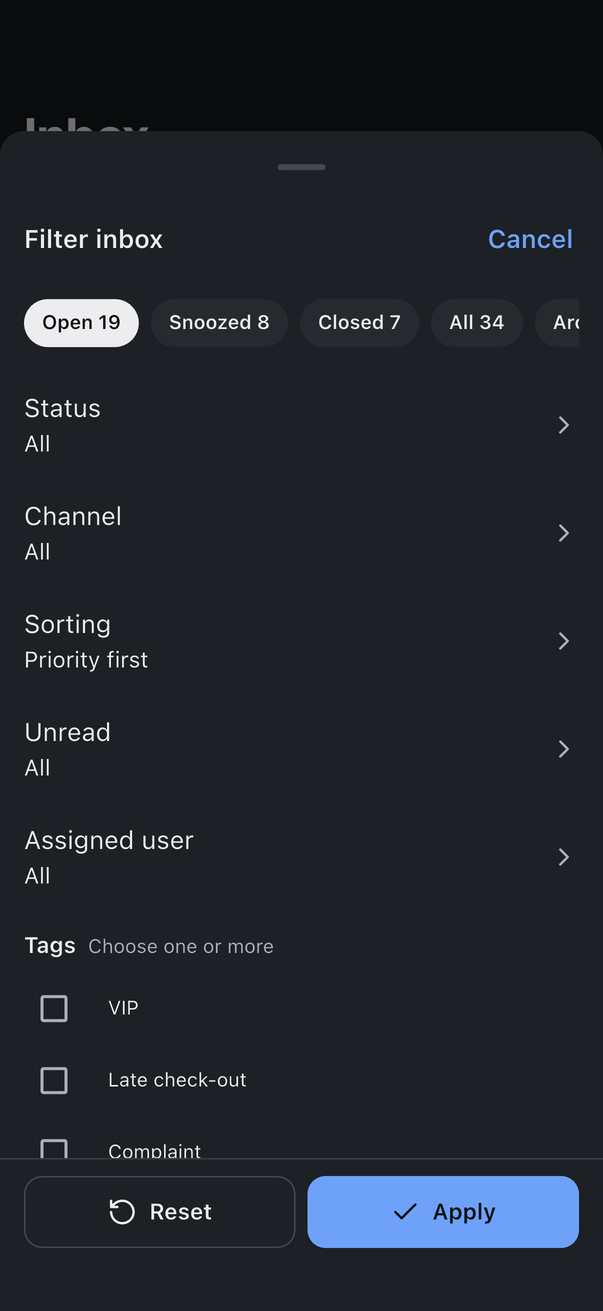
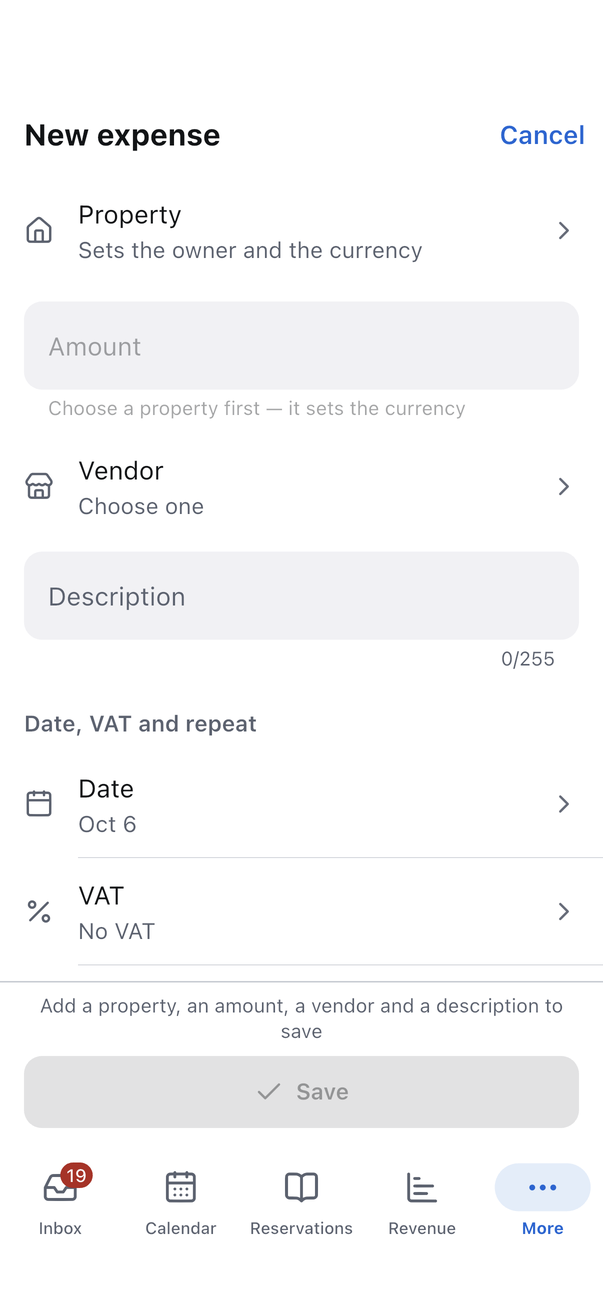
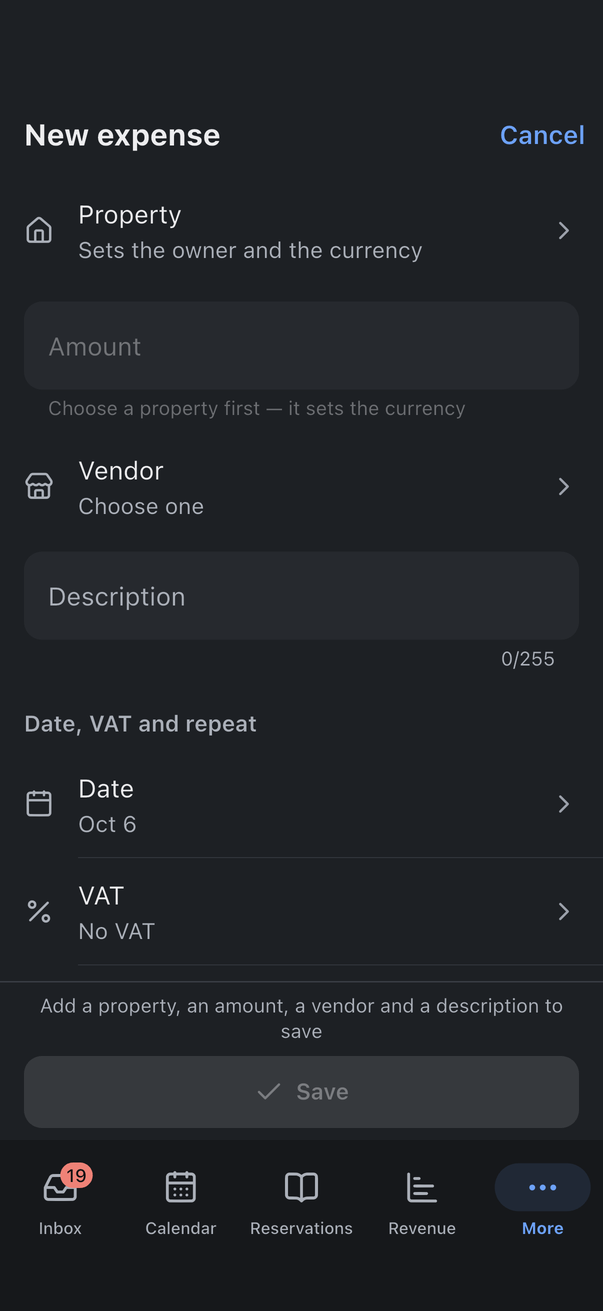
Each pair shows the same screen with the same data, light on the left and dark on the right. The pictures were captured from the running app on the iOS simulator, not drawn.
2 Inbox
The list and a conversation.
3 Calendar
All listings on one grid, and one listing by month.
4 Reservations
The list, one booking, and its money.
5 Tasks
A worker's day and one task.
6 Revenue
The figures, and one owner statement.
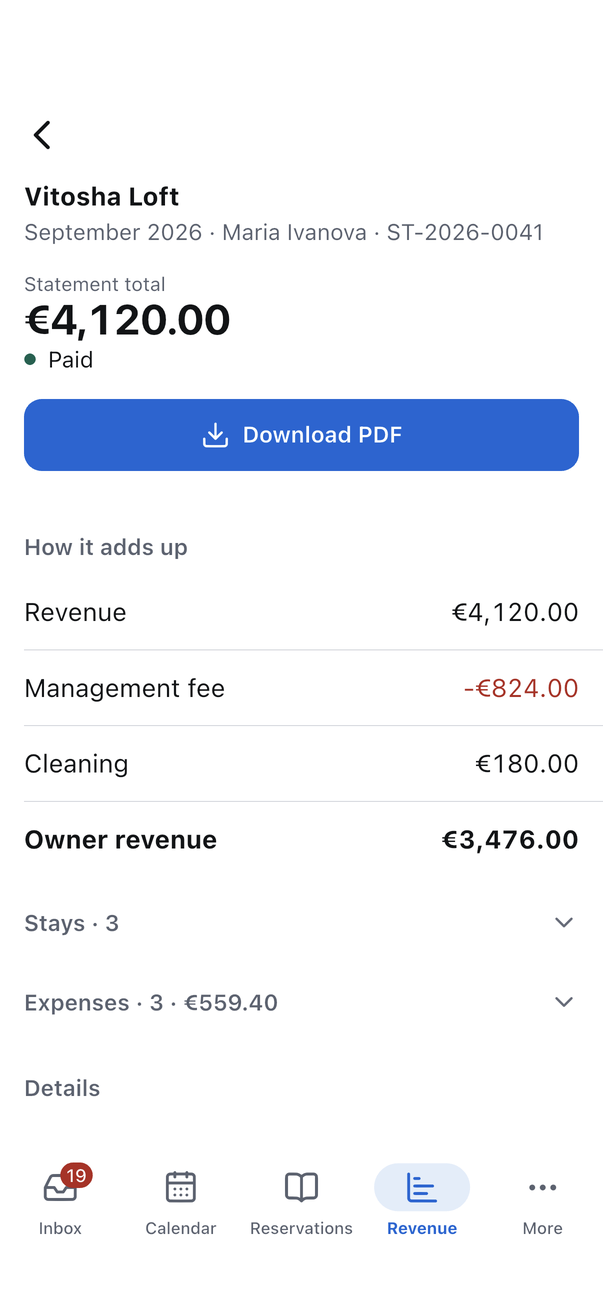
7 Charts
The charts take their colours from the same tokens: lines, donuts and their legends in light and in dark.
8 Listings
The list and one listing.
9 The owner
The owner's dashboard.
10 Sheets and forms
A filter sheet over the list, and a form.
11 Account and sign-in
The account page and the sign-in screen.